
PDFUABox
Main Features
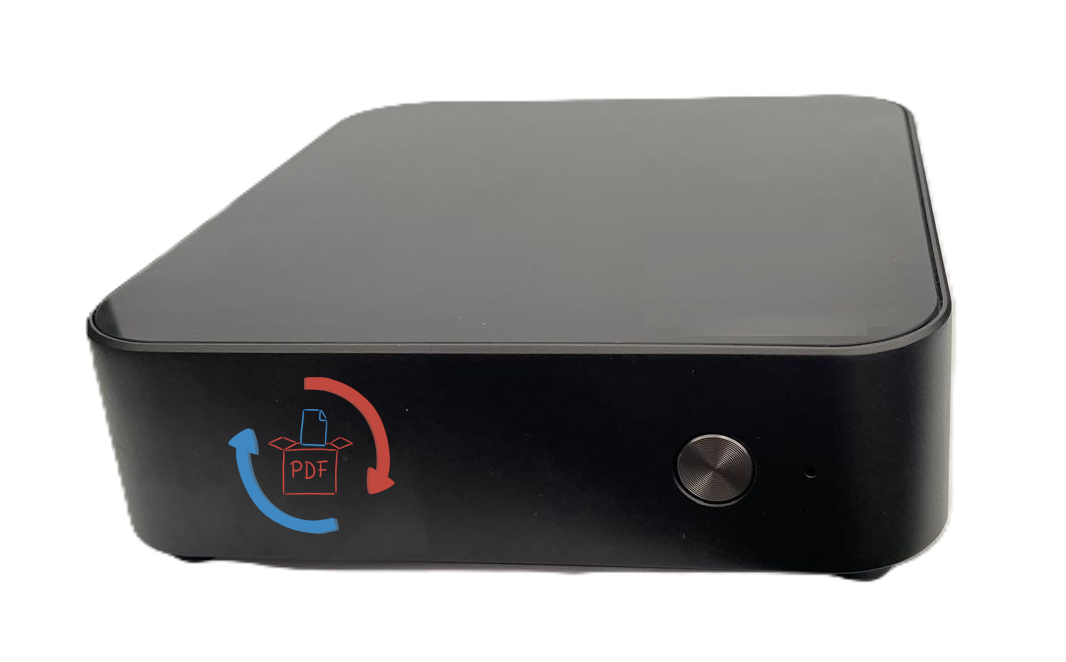
- Delivered as Mini-PC: The system is based on a Mini-PC running Ubuntu.
- PDF/UA Validation: Detailed audit reports with concrete recommendations for action.
- Conversion and Conformance: Automatic adjustment of metadata, tags, reading order, and alternative texts.
- Digital Signing of Result PDF Files: User-specific (self-signed) certificates can optionally be used. As a proof of concept, text lines can be defined to position electronic signatures. Integration with a PKI infrastructure is also possible.
- REST API For integration with third-party systems – see documentation
- Digital Sovereignty: The use of open source software and delivery on your own hardware ensures your organization's digital sovereignty.
- Security and Permission Configuration: Support for owner and user passwords as well as policies for overriding owner passwords.
- Batch Processing & Queue: Processing of large document volumes in the background with status tracking.
- Audit & Logging: Full traceability of all processing steps and errors.
Benefits
- Meets legal accessibility requirements (e.g. for public procurement).
- Reduces manual correction effort through automated conformance processing.
- Scalable and optimized for production environments: support for background processing.
Planned Features for the Next Release
- Standalone user interface for document inspection
- Layout tables
- Whitespace removal
- Image recognition and description via AI
Security & Privacy
- PDFUABox processes documents exclusively server-side and provides options for encryption, role-based access control, and configuration of owner and user passwords. Sensitive content can be processed or deleted according to internal policies to meet data protection requirements.
Use Cases
- Government agencies and public authorities that need to provide accessible documents.
- Enterprises that need to provide accessible documents.
- Publishers and service providers that want to automatically create and validate large volumes of PDFs.
- Companies with document-based workflows (e.g. invoices, reports, publications).
Technical Requirements
- DHCP server in the local network (alternatively, delivery with a fixed IP address is possible).
Support & License
- PDFUABox is available as a commercial solution with a Service Level Agreement (SLA).
- Support packages include bug fixes, security updates, and integration assistance.
- You can test the current feature set on this site under PDF Creation.
Operating PDFUABox
- Connect the PDFUABox to your LAN or DMZ via a network cable.
- Ensure that PDFUABox is reachable via the standard port 80.
Need a custom adaptation? Contact support at support@pdfuabox.de.